 DeleteText
01
Upload your image
Drop a photo, screenshot or scan into the workspace.
AI image text remover
Brush over unwanted lettering. AI fills in the background, and you choose which version to keep.
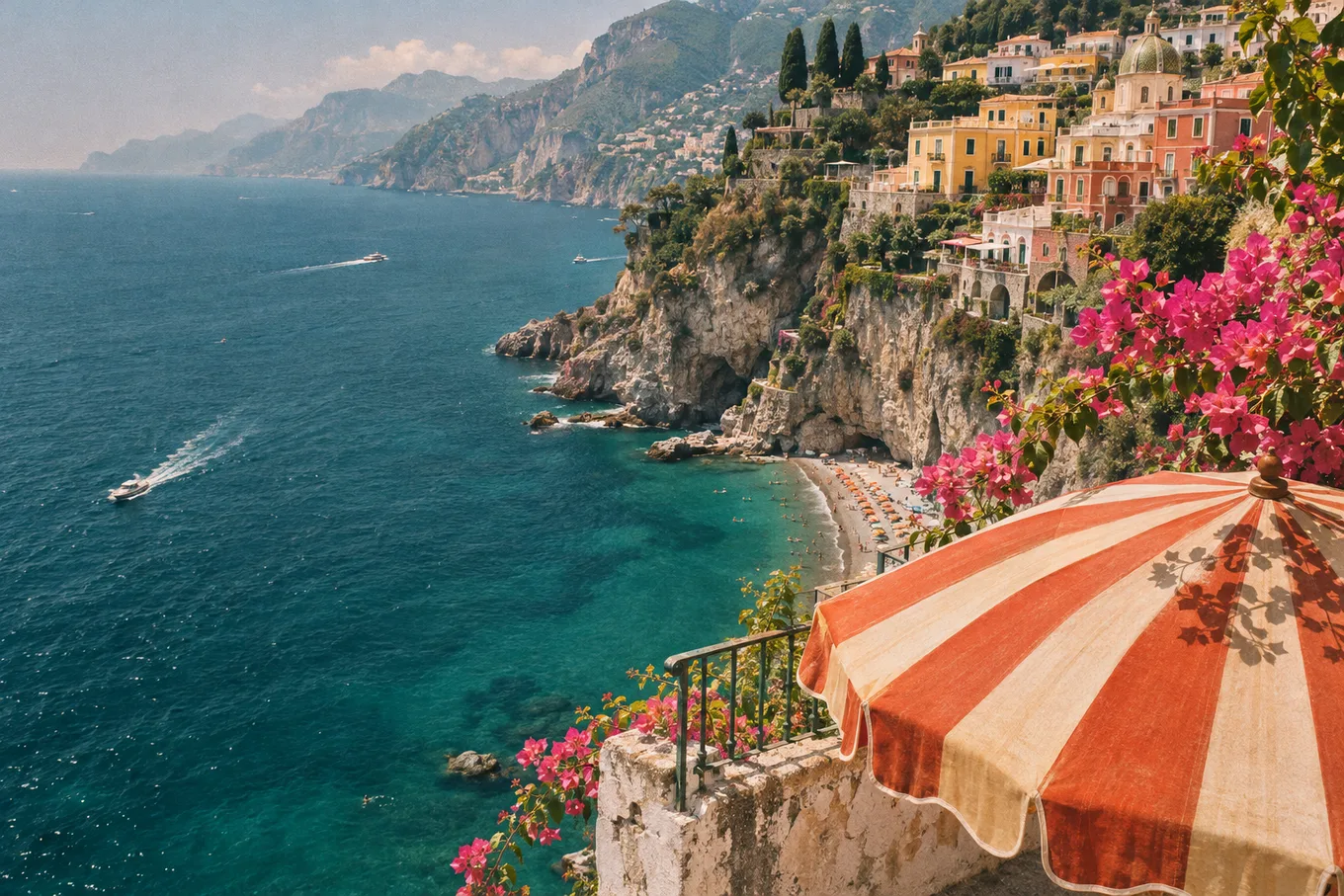
From original to ready
Drop a photo, screenshot or scan into the workspace.
Paint the letters you want removed. Each erase uses 1 credit.
Slide between versions, then save your image or keep editing.
DeleteText
Your brush defines the repair area. Keep nearby labels, faces and product details outside the selection. The edge is blended to help the repair meet the original.
Each erase adds a version to your workspace. Compare the result, return to an earlier version, or continue editing from the one you prefer.
Check the repaired area at full size with the comparison slider. A second, smaller selection can help remove a remaining letter edge or shadow.
Tools
From a single caption to a page of lettering, choose the workflow that fits your image.
Remove text from photo files — dates, signs, captions and tourists' graffiti — while keeping faces, skin and detail untouched. 5 free credits.
Need a text remover from image files with busy backgrounds? DeleteText rebuilds what is behind the letters — posters, packaging, signage and more.
Remove text from manga pages and comics before typesetting: erase lettering from speech bubbles and sound effects while keeping line art intact.
One-time purchase. No subscription.
Every successful erase uses 1 credit. Failed tasks are not charged.
$0.00/ 5 credits
New accounts receive 5 credits. Free-credit downloads have no watermark and a maximum long edge of 1024 px.
$9.90/ 600 credits
Credits never expire and stack with future purchases.
$29.00/ 3,600 credits
Credits never expire and stack with future purchases.
New accounts get 5 free credits; Pro adds 600 credits for $9.9. Every erase costs 1 credit, and failed erases are never charged.
Yes — you sign in once before uploading. Registration is free, takes seconds, and your 5 welcome credits arrive automatically.
JPG, PNG and WebP up to 20 MB and 8000×8000 pixels. That covers photos, screenshots, scans and exported graphics.
No. Only the area you brush over is rebuilt. Every pixel outside your strokes stays exactly the same, down to the last bit.
Usually 10–60 seconds. Keep the page open while the AI works — your workspace shows the result as soon as it is ready.
Bring your photo, screenshot or scan. Choose the text to remove and keep the version that works for you.