 DeleteText
Text Watermark Remover – Remove Text Watermarks From Images
Remove visible text watermarks from images. This text watermark remover edits image pixels, not invisible AI watermarks in documents or chat text.
Sign in to upload. New accounts get 5 free credits.
- New accounts get 5 free credits.
- JPG, PNG, WebP · Up to 20 MB
- Version history
DeleteText / 01
Keep the picture. Lose the lettering.
A caption does not have to cost you the whole composition. Select the lettering, rebuild that area, and review the result against your original.
Illustration using a text overlay on a sample photo. Results on your image depend on the background and selection.
Upload image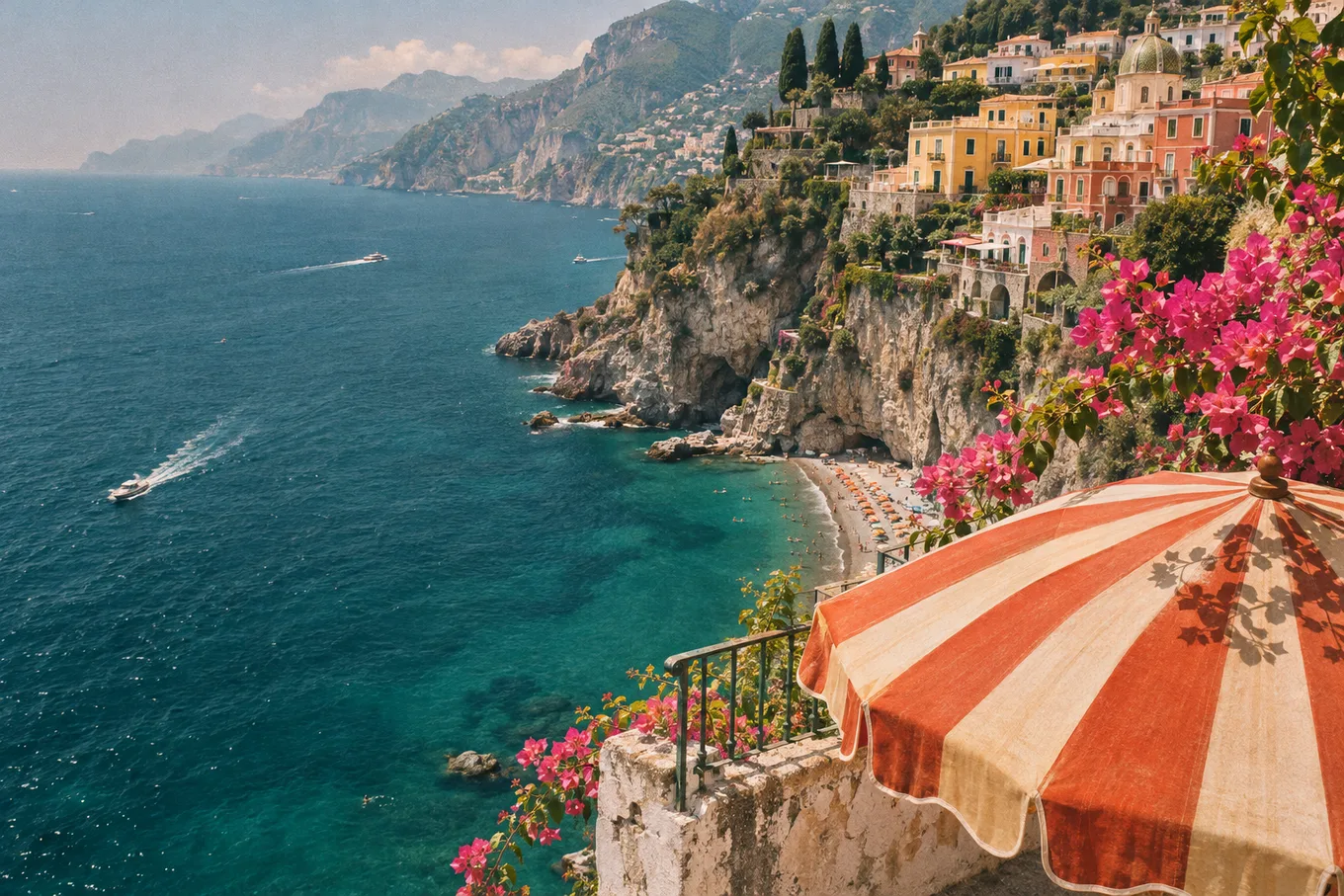
DeleteText / 02
How It Works
Upload your image
Sign in, then choose, drop or paste a JPG, PNG or WebP that you have permission to edit. Maximum 20 MB.
Brush over the watermark
Cover visible letters, outlines and shadows. For semi-transparent tiled text, select small groups and check each pass.
Erase, compare and download
Press Erase, inspect the rebuilt area with the comparison slider, refine leftover edges, then export your preferred version as a PNG.
DeleteText / 03
A cleaner starting point for your next project
From a single caption to a page of lettering, choose the workflow that fits your image.
Text Remover From Image
Need a text remover from image files with busy backgrounds? DeleteText rebuilds what is behind the letters — posters, packaging, signage and more.
Remove Text From Photo
Remove text from photo files — dates, signs, captions and tourists' graffiti — while keeping faces, skin and detail untouched. 5 free credits.
Remove Text From Manga Pages
Remove text from manga pages and comics before typesetting: erase lettering from speech bubbles and sound effects while keeping line art intact.
Which text watermarks can I remove?
Use the text watermark remover to clean visible lettering from images you own or have permission to modify: a camera date stamp, your old signature, a username overlay, or semi-transparent tiled text. Upload a JPG, PNG or WebP up to 20 MB and 8000 × 8000 pixels. This tool edits the visible pixels in a picture; it does not detect or remove invisible AI watermarks, hidden characters or statistical signals from document or chat text.
Select the letters, keep the context
After signing in, upload your image in the tool above. Zoom in and brush over every letter, including outlines, drop shadows and a small margin around the edges. Undo a stray stroke or trim it with the eraser. For repeated or diagonal watermarks, work in small regions so the AI can use the nearby texture as context. You choose the areas to erase; there is no automatic watermark detection.
Rebuild, compare and export
Press Erase to reconstruct the selected background. Review the result with the before/after slider at full size, especially where lettering crosses faces, fabric or fine lines. If a faint edge remains, brush just that fragment and erase again. Each successful pass creates a version in your workspace; keep the version you prefer and download a PNG.
What happens to image quality?
Pixels outside your selection stay unchanged. Inside it, AI estimates the missing background from surrounding detail. Simple walls and skies are easier than intricate patterns or large areas covered by tiled lettering. The tool cannot recover the exact original pixels hidden by a watermark or guarantee a mark-free result. Compare attempts and keep your original file.
Credits and permitted use
The same pricing applies as on the other DeleteText tools: new accounts get 5 free credits, each successful erase uses 1 credit, and failed tasks are not charged. Free-credit downloads have no added watermark and are limited to 1024 pixels on the long edge; paid credits unlock original resolution. Only edit images you own or are authorized to modify. For an unlicensed stock preview, obtain the licensed original instead of erasing its watermark.
An edit you stay in control of
Choose exactly what changes
Your brush defines the repair area. Keep nearby labels, faces and product details outside the selection. The edge is blended to help the repair meet the original.
Keep every attempt
Each erase adds a version to your workspace. Compare the result, return to an earlier version, or continue editing from the one you prefer.
Review before you download
Check the repaired area at full size with the comparison slider. A second, smaller selection can help remove a remaining letter edge or shadow.
Before you call it finished
Start with the sharpest original available. Repeatedly compressed screenshots leave less detail for the repair.
Cover the complete letter, including its outline and shadow. Keep important edges outside the selection where possible.
Check both close up and at normal viewing size. Detailed patterns and large covered areas may need several passes; AI cannot guarantee the exact hidden original.
DeleteText / 05
FAQ – Frequently Asked Questions
Does this remove invisible AI watermarks from text?
No. It removes visible text watermarks from image pixels. It does not process document or chat text, hidden characters, or statistical AI watermarks.
Will the background be preserved, and can traces remain?
Everything outside your brush stays unchanged. AI reconstructs the selected area, so complex textures, shadows or large watermarks may leave traces. Compare at full size and refine small areas; exact recovery of hidden pixels is not guaranteed.
Can I remove dates, signatures and repeated semi-transparent text?
Yes, when they are visible lettering in an image you are allowed to edit. Brush over each occurrence; for tiled text, work region by region and preserve the best version.
When may I remove a watermark?
Only process images you own or have permission to modify. Removing a watermark does not give you copyright or a licence. Obtain the licensed original for stock content and do not erase attribution to misrepresent ownership.
What does removing a text watermark cost?
New accounts receive 5 free credits. Each successful erase uses 1 credit; failed tasks are not charged. Free-credit PNG downloads are up to 1024 px with no added watermark. Paid credits unlock original-resolution downloads.
Know what your edit includes
Try with free credits
New accounts receive 5 credits. Free-credit downloads have no watermark and a maximum long edge of 1024 px.
For your final files
Paid credits unlock original-resolution downloads without a watermark. Each successful erase uses 1 credit; failed tasks are not charged.
Your image, with room for something new.
Bring your photo, screenshot or scan. Choose the text to remove and keep the version that works for you.